

Appearance
Get Started
These guides help you use the platform day to day. Start here if you are new, or jump straight to a topic from the left menu.
Use this docs site
These guides are designed to help you use the platform and app.
Search faster
When searching for guides, use short search words to find pages faster.
Find pages from the menu
- Use the left menu to move between pages.
- Click any menu item to open that guide.
- Keep Get Started as your first stop.
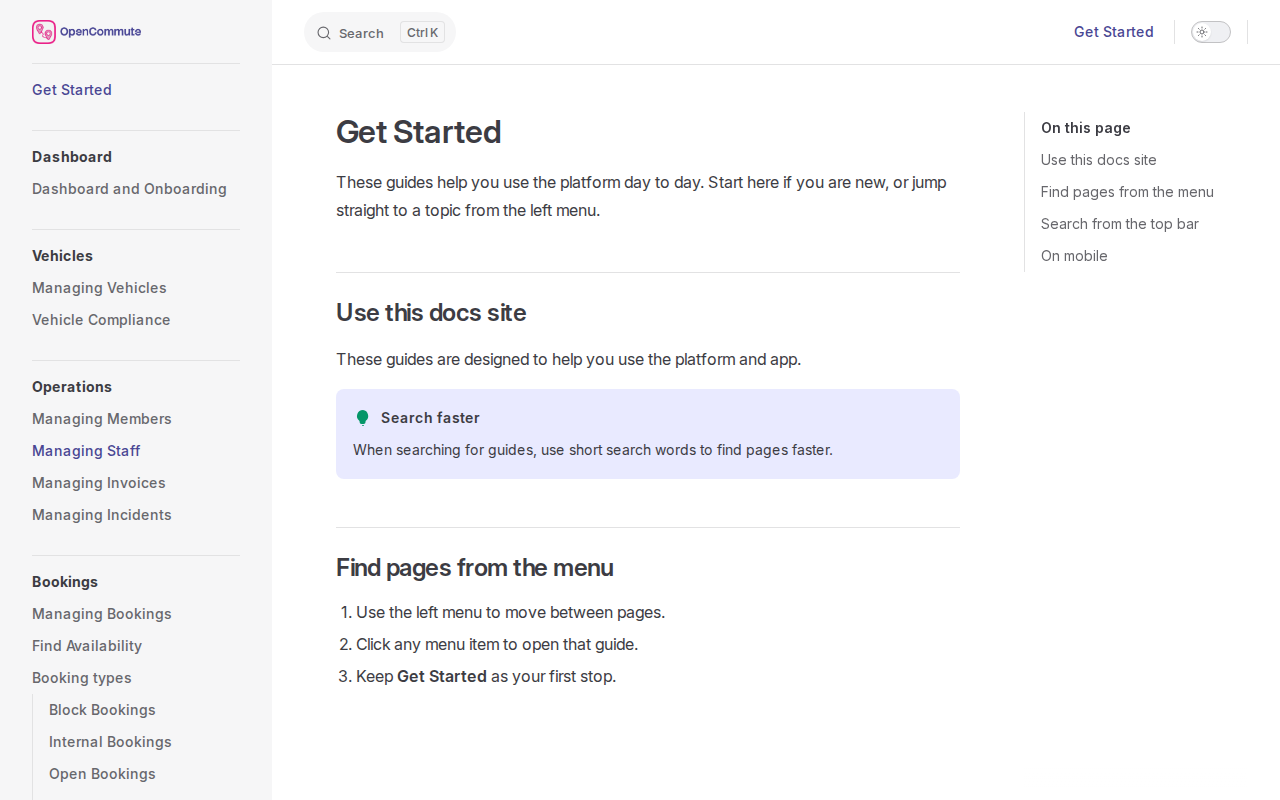 An example of browsing guides from the left menu.
Search from the top bar
- Use simple words like
users,settings, orinvite. - Keep search terms short for better matches.
- If no result appears, try one word from the page title.
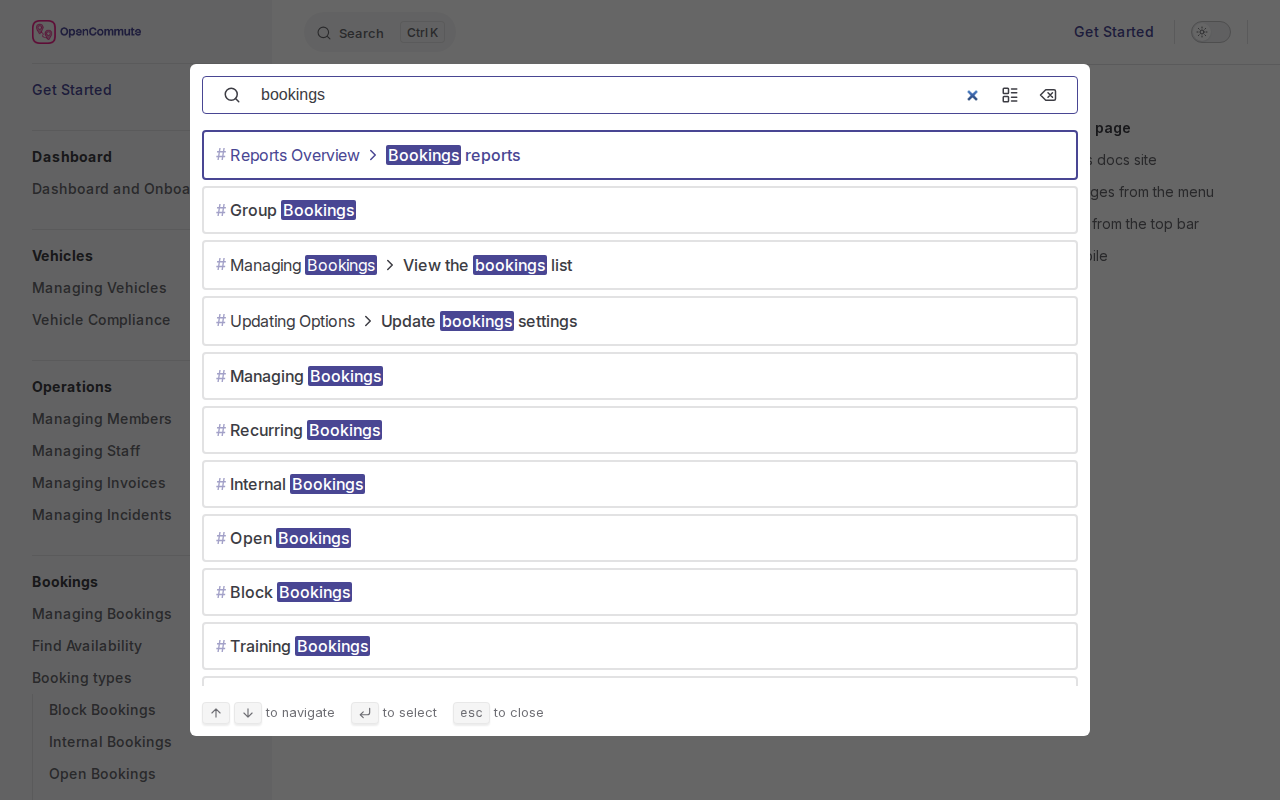 An example of searching for a guide from the top search bar.
On mobile
- Open the menu button first.
- Pick a page from the list.
- Use the top search to jump faster.
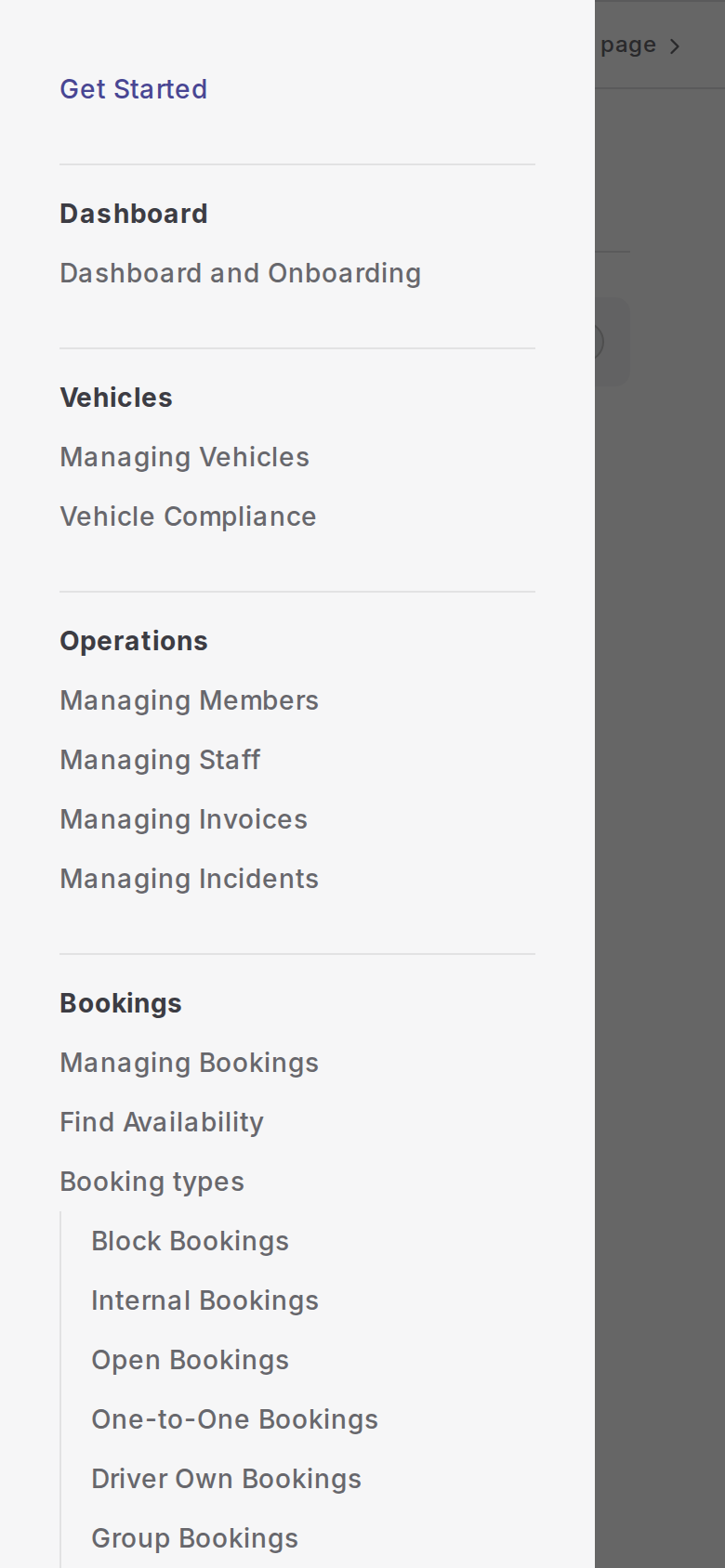 An example of opening the menu on a mobile device.
What you can run
The guides cover the work a scheme runs from the admin panel:
- dial-a-ride software for shared routes and door-to-door trips
- One-to-one lifts, group hire, internal use, training, and blocked vehicle time
- Vehicles, drivers, and the invoices created from those trips