

Appearance
Switching Team
Switch to another team when you need to work in a different team space.
Switch to another team
- If you belong to more than one team, the team name under the logo in the sidebar shows a switch icon.
- Click the team name.
- In the list, click the team you want to work in.
You go to the Dashboard for the team you switched to.
You can also open Switch Team from the user menu.
Switch Team visibility
You only see the switch icon (and Switch Team in the user menu) when your user is a member of more than one team.
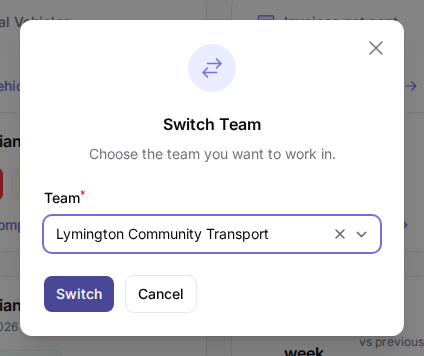 An example of the Switch Team window where you choose a different team.