

Appearance
Changing Password
Reset your password from the sign-in screen if you cannot log in, or change it from your profile when you are already signed in.
Sign-in and password reset may show a short security check so the form cannot be submitted by a bot. Complete it if it appears, then continue.
Sign in
- Open the sign-in page.
- Enter your email and password.
- Complete the security check if one is shown.
- Click Sign in.
- Enter the 6-digit code emailed to you. See Two-factor Authentication.
Reset from sign in
Use this option when you forgot your password and cannot access your account.
- Open the sign-in page.
- Click Forgot password?.
- Enter your email address.
- Complete the security check if one is shown.
- Click Send password reset link.
- Open the email and use the reset link.
- Enter and confirm your new password.
- Complete the security check if one is shown.
- Sign in with your new password.
Reset link delivery
If the email does not arrive, check your junk or spam folder, then request a new reset link.
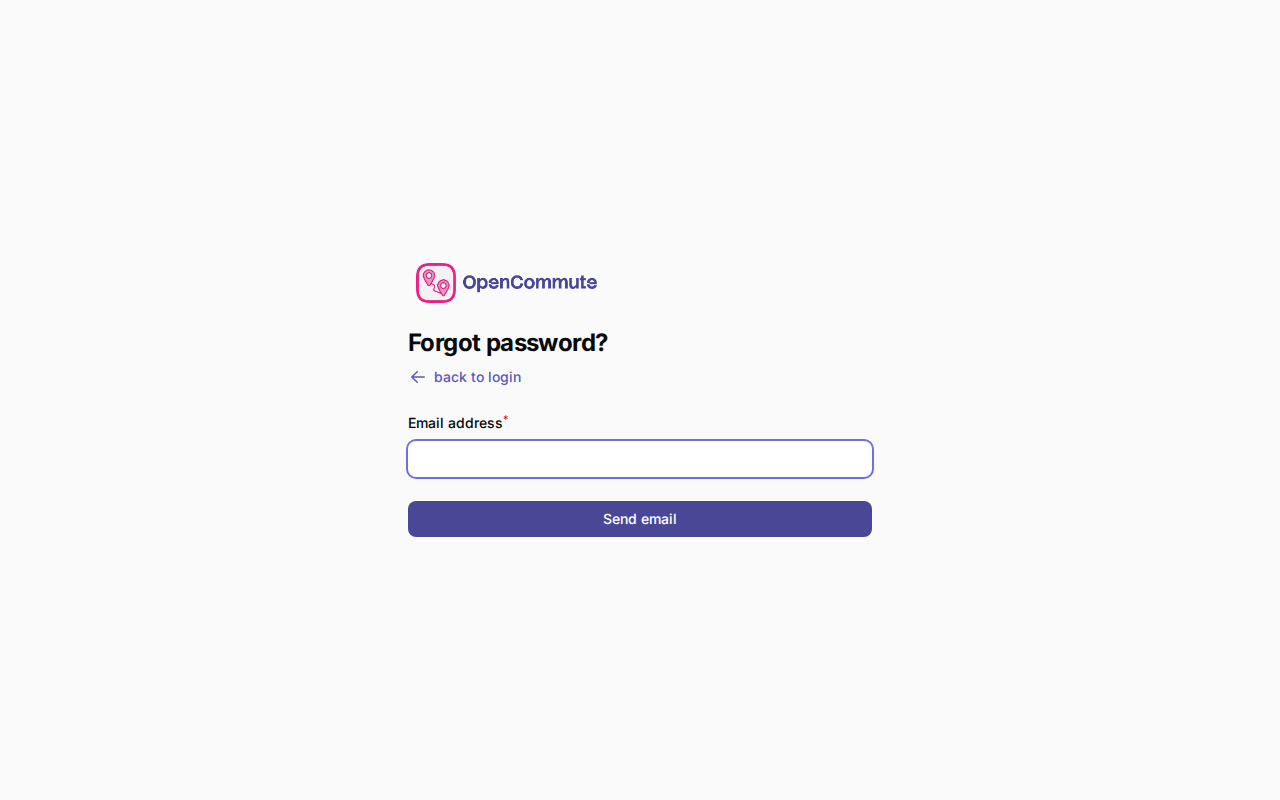 An example of requesting a password reset link from the sign-in page.
Change from profile
Use this option when you are signed in and want to update your password.
- Open the user menu in the bottom-left corner.
- Click Profile.
- Go to the password section.
- Enter your current password.
- Enter and confirm your new password.
- Click Save.
Keep your account secure
Use a unique password that you do not use for any other account.
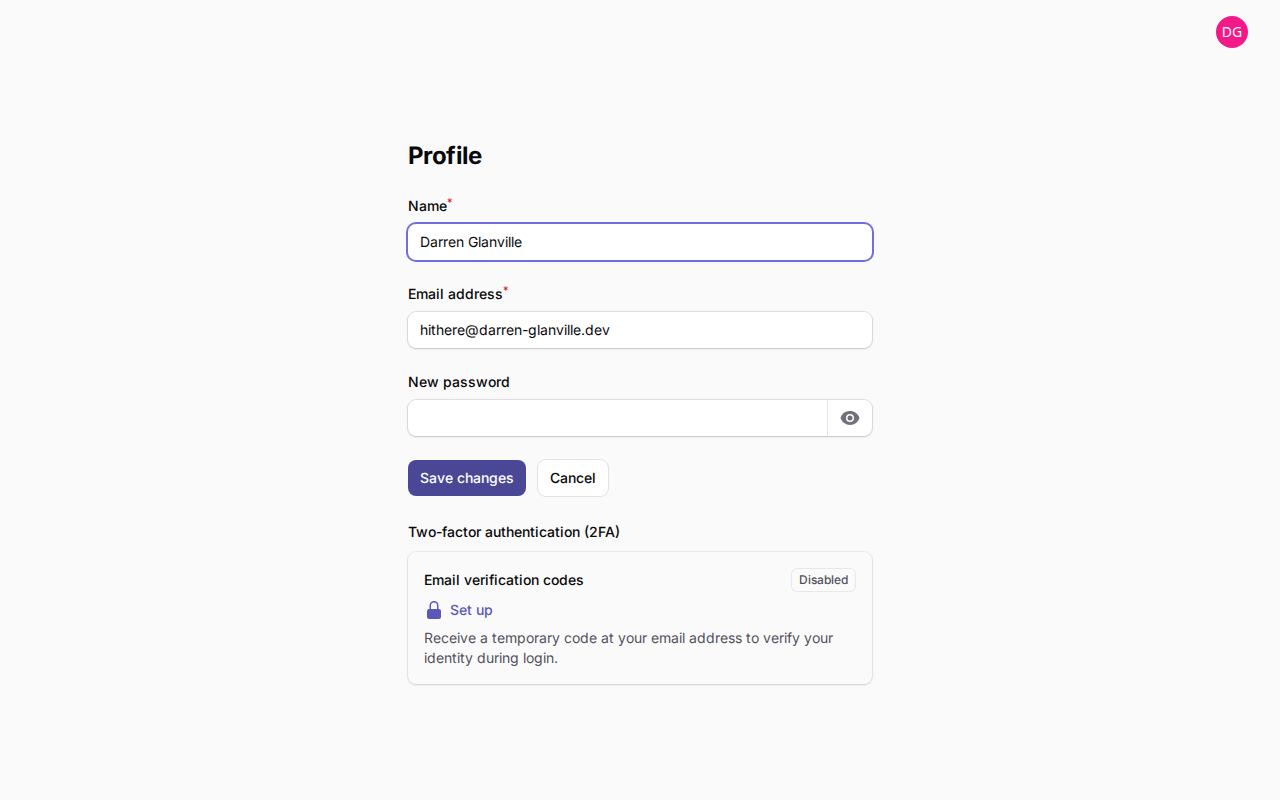 An example of changing your password from the Profile page.
Related guides
- Two-factor Authentication — email sign-in codes
- Switching Team — move between teams you belong to