
MOT, tax and insurance dates for community minibuses — without a separate tracker
Keep MOT, tax and insurance dates for community minibuses in one place — next to the booking diary, not a side spreadsheet. Practical fleet compliance tips.
13 September 2026
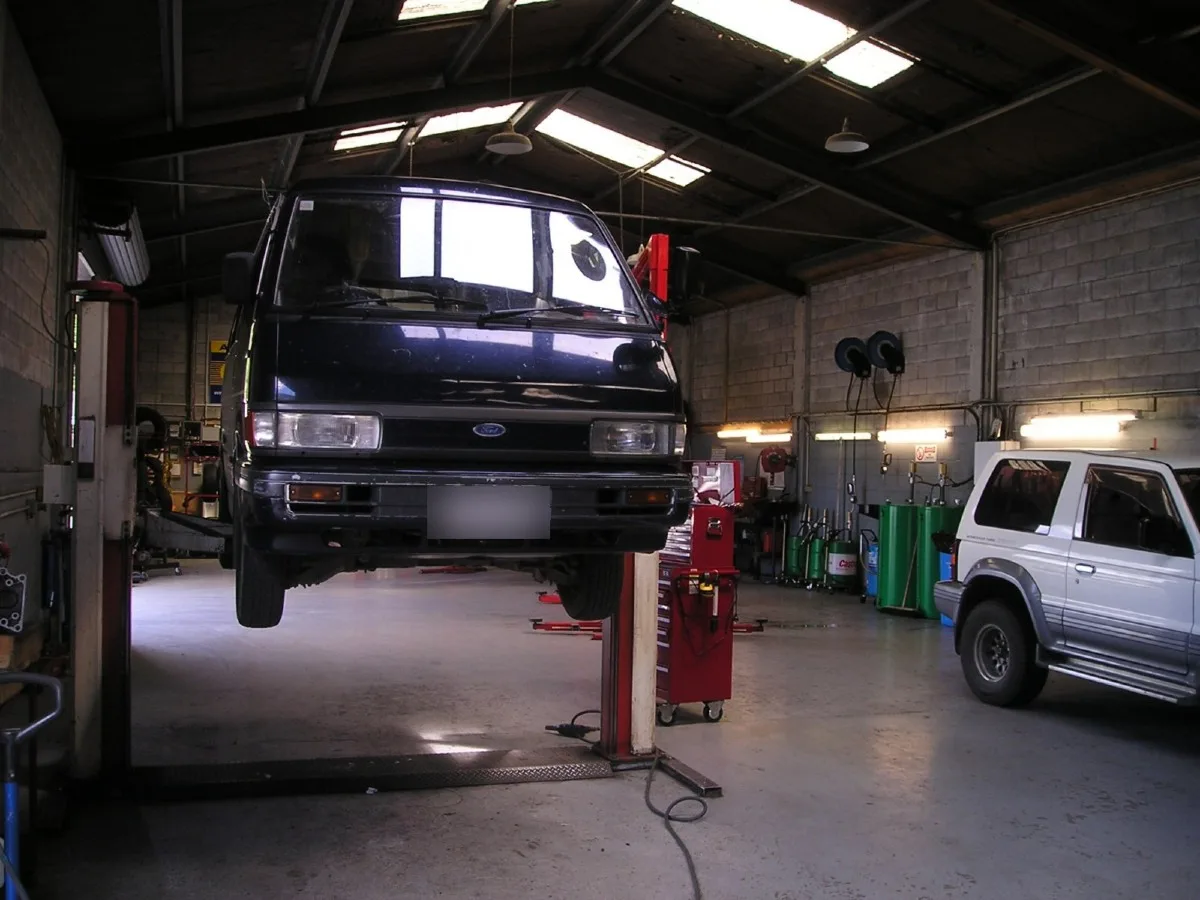
Community transport MOT tracking is the habit of keeping MOT, tax, insurance and service dates for every vehicle in one place you can actually act on — ideally next to the booking diary, not in a side spreadsheet or a glovebox folder.
Most schemes know their vehicles are legal. The risk is rarely carelessness. It is that the dates live in different places: a paper certificate file, a treasurer's email, a sticky note on the whiteboard, and one person's memory. When that person is off, nobody can answer a trustee's simple question: are we road-ready this week?
This guide is for coordinators and trustees who want fleet compliance for community minibuses without turning vehicle admin into a second full-time job. It covers what to track, where separate trackers go wrong, how to build a simple register, and when it is worth keeping compliance next to the bookings diary.
What “road-ready” means day to day
For each vehicle you need a clear answer to four questions:
- Is the MOT current (where the vehicle needs one)?
- Is tax up to date?
- Is insurance in force for how the vehicle is used?
- When is the next service or safety inspection due?
If any of those answers take more than a minute to find, cover becomes fragile. The board cannot prove the fleet is safe to run, and dispatch may book a vehicle that should have been pulled.
Treat MOT, tax, insurance and inspections as one community transport vehicle compliance calendar — not four separate admin chores. The goal is not more paperwork. The goal is that anyone covering the office can see the same truth.
Why community transport fleets struggle with dates
Community transport is different from a commercial coach depot. You may have:
- A mix of owned minibuses, leased vehicles, and volunteer cars
- Part-time coordinators who share the office across days
- Trustees who need a clear picture for insurance renewals and funder reports
- Booking types that change which vehicle is eligible (wheelchair space, capacity, licence class)
That mix is why dates drift. The person who booked the MOT is not always the person who assigns tomorrow's dial-a-ride. A volunteer car scheme may track driver insurance differently from a Section 19 minibus. None of that is unusual. It just means a single, shared register matters more than a private folder.
Why a separate MOT tracker starts to slip
A paper file or a lone spreadsheet works when you have one minibus and one coordinator. It starts to fail when:
- Two vehicles renew in the same month and only one reminder is set
- A group hire crosses an MOT date that lived in another tab
- Insurance renewal emails go to a personal inbox nobody else can open
- Trustees ask for a compliance snapshot and it takes an afternoon to assemble
- A vehicle is booked while its certificate is “somewhere in the office”
Those gaps are not a judgment on the team. They are a sign the evidence is scattered — a classic “separate tracker” problem.
The hidden cost shows up as risk, not as a line on a budget. A missed MOT is rare until the day it is not. A late insurance renewal is “fine” until a claim lands. Most schemes would rather spend twenty minutes a month on a clean register than explain a gap to an insurer or a funder.
What good community transport MOT tracking looks like
Good tracking is boring on purpose. It should feel like this:
- Every bookable vehicle has one record.
- Expiry dates are visible without opening a second system.
- Alerts arrive before the date, not after.
- More than one role can see the same list.
- Dispatch can tell, at a glance, whether a vehicle is safe to assign.
If your current process fails any of those five, tighten the process before you buy anything new. Software helps most when the underlying register is already clear.
A practical register for each vehicle
Keep one row (or card) per vehicle with at least:
| Field | Why it matters |
|---|---|
| Registration and nickname | So dispatchers recognise the vehicle on the diary |
| Capacity and accessibility | Wheelchair space, seat count, licence needs |
| MOT expiry | Flag or block bookings that cross the date |
| Tax status / renewal | Avoid last-minute DVLA surprises |
| Insurance renewal | Confirm cover matches how you operate |
| Next service / inspection | Catch maintenance before a passenger trip fails |
| Named renewal owner | A person, not “someone in the office” |
| Evidence location | Where the certificate or PDF lives |
Optional but useful fields:
- Date last checked by a second person
- Notes for temporary restrictions (for example “no long-distance hires until service”)
- Link to the booking types the vehicle is allowed for
Review the register on a fixed rhythm — for example the first Monday of the month — rather than only when something expires. Put that review in the same place you already look for the week's bookings.
Who should own each renewal
Unowned dates are the ones that slip. Assign a named owner for:
- MOT booking and certificate filing
- Tax renewal
- Insurance renewal and broker contact
- Service / inspection schedule
The owner does not have to be the only person who can see the date. They are the person responsible for acting before the alert becomes an emergency. For small schemes, one coordinator may own all four. For larger fleets, split by vehicle or by task — but write the name down.
Trustees do not need to chase every certificate. They do need to know that ownership exists and that the monthly review happened.
Alerts beat memory
The useful upgrade is not a prettier spreadsheet. It is that upcoming dates surface themselves.
Aim for:
- A 30-day warning before MOT, tax, insurance or service dates
- A 7-day warning for anything still open
- A clear “expired / overdue” state that dispatchers cannot miss
- The same list visible to more than one role, so cover is possible
That is how fleet compliance stops being a private checklist and becomes part of the booking day.
If you still use a calendar for reminders, put the vehicle registration in the event title. “MOT due” without a registration is how the wrong vehicle gets chased.
Do community minibuses need MOT tracking software?
Not every scheme does. If you run a single vehicle, renewals are far apart, and two people can both find the certificates in under a minute, a simple shared register may be enough.
Software starts to earn its keep when:
- You have more than one vehicle (or frequent hires)
- Bookings and compliance are owned by different people
- You need alerts before dates slip, not after
- Cover staff must see the same truth as the usual coordinator
- Funders or insurers ask for evidence without much notice
The useful upgrade is not a prettier spreadsheet. It is that upcoming dates surface themselves — and that a vehicle out of MOT or insurance does not quietly stay bookable.
Ask a practical question: if the usual coordinator is off for a week, can someone else refuse a booking on a vehicle that is out of date? If the answer is no, the process is still too fragile.
Separate fleet app vs compliance next to the diary
Many organisations try a dedicated MOT or fleet app alongside the booking diary. That can work, until people stop looking in two systems.
When vehicle status and bookings share one place:
- Coordinators see availability and roadworthiness together
- Cover staff can refuse or reassign a trip without guessing
- Trustees get a clearer picture of operational risk
- You spend less time copying dates between tools
That is the difference between a side MOT/tax/insurance tracker, and charity minibus records that sit where journeys are actually assigned.
A separate tracker is still better than nothing. Just be honest about the failure mode: the day someone books from the diary and never opens the tracker.
How this shows up for passengers and volunteers
Compliance is not only a back-office concern. When dates are messy:
- Passengers get late cancellations when a vehicle is suddenly unavailable
- Volunteer drivers lose confidence if the office seems unsure about the fleet
- Cover coordinators inherit stress instead of a clear list
A calm register protects the service people actually experience. It is one of the quieter ways a scheme stays reliable.
A calm way to tighten up this month
You do not need a big project. Try this in two weeks:
- List every vehicle you currently book, including spares and hire vehicles you use often.
- Collect MOT, tax, insurance and next service dates into one register.
- Put a named owner against each renewal.
- Set alerts at 30 days and 7 days.
- Agree what happens if a date is overdue (no new bookings until fixed).
- Run one “cover test”: ask a colleague who does not usually own the fleet to find tomorrow's roadworthy vehicles without asking you.
If that register already lives inside your community transport platform, use it. If it still lives in a side folder, bring it into the same place as the diary so people look once, not twice.
What trustees can ask in five minutes
At the next board or ops meeting, ask:
- Do we have one register for MOT, tax, insurance and service dates?
- Who owns each renewal this quarter?
- When was the last monthly review?
- Can cover staff see overdue vehicles without a handover call?
Those four questions usually surface whether the scheme is organised or still relying on memory.
Soft next step
OpenCommute tracks MOT, tax, insurance and maintenance dates against the vehicles you book, with alerts before dates slip — see fleet and compliance on Features, the FAQs, and pricing. For a related read on when a sheet stops being enough, see Spreadsheets vs dedicated community transport software, or start a free trial when you want to test OpenCommute with your own fleet.